Turn any idea into a  video or a
 photo in seconds
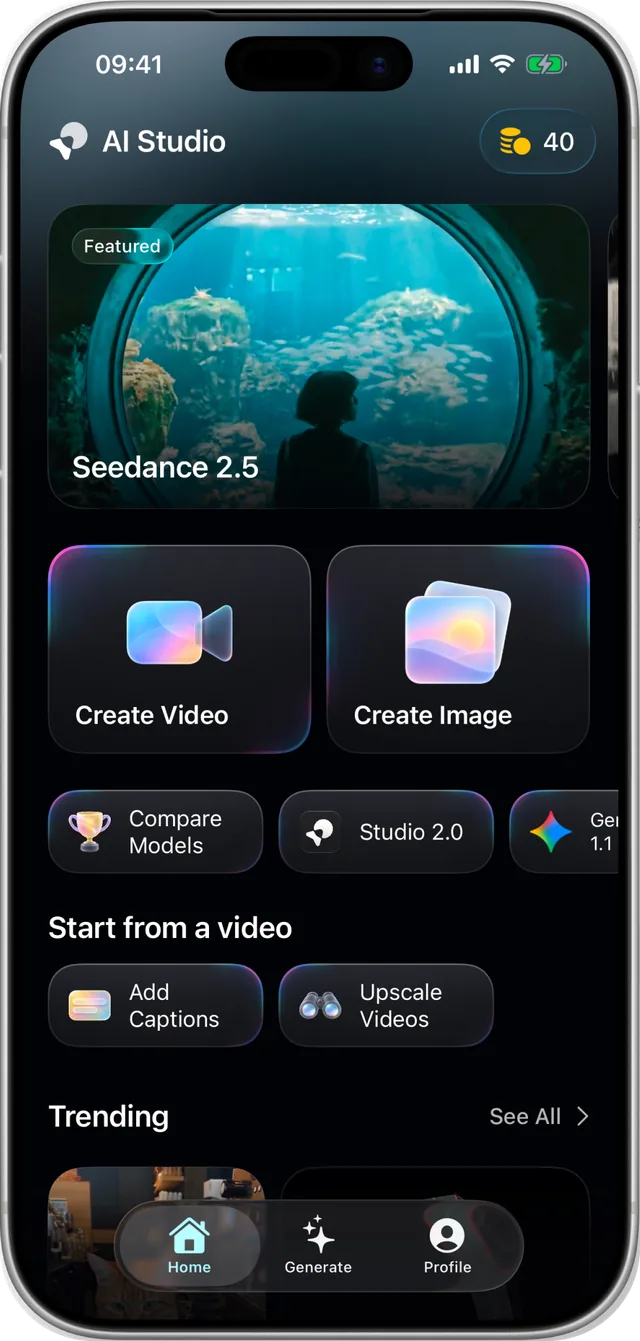
26 AI models, templates and Director, our AI filmmaker. Songs and voiceovers too. For iPhone and iPad.
“You bring the idea. AI Studio brings 26 models, ready-made templates and a filmmaker that plans every shot, so what’s in your head ends up on your screen in minutes.”
The team behind AI Studio
Three ways to create
Start from a template, pick a model, or hand the whole film to Director.
Templates
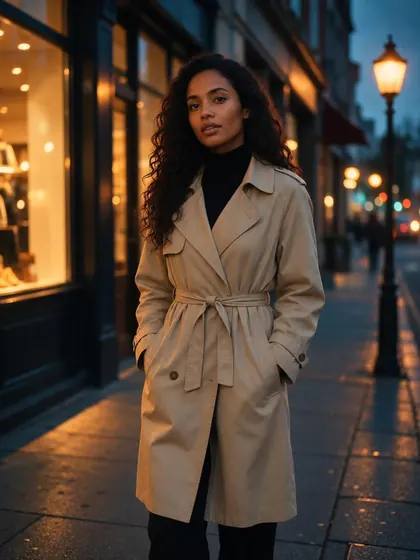
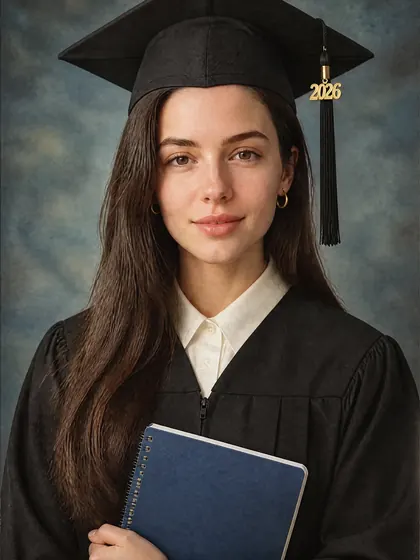
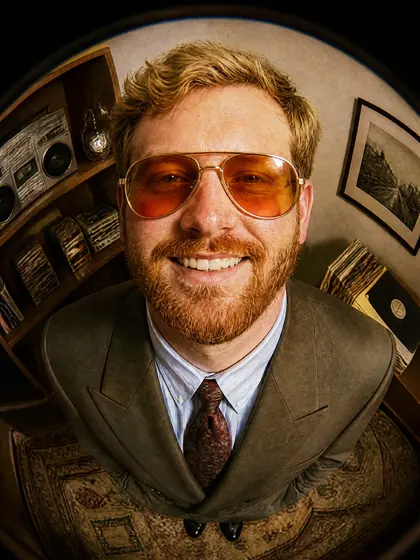
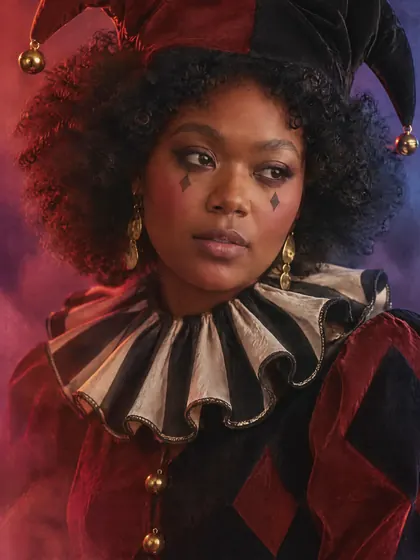
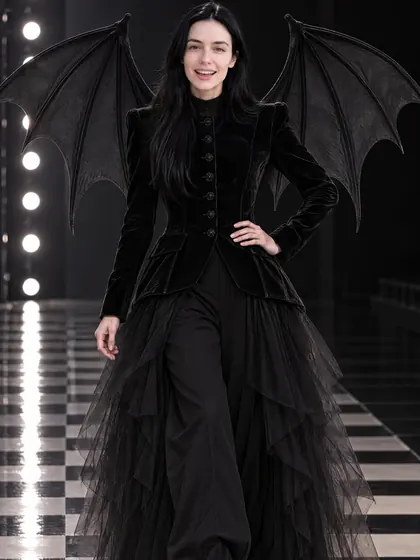
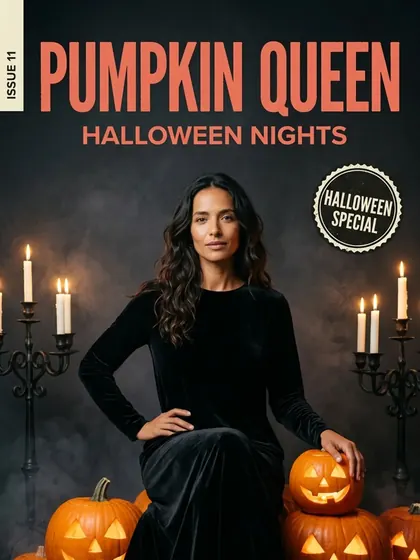
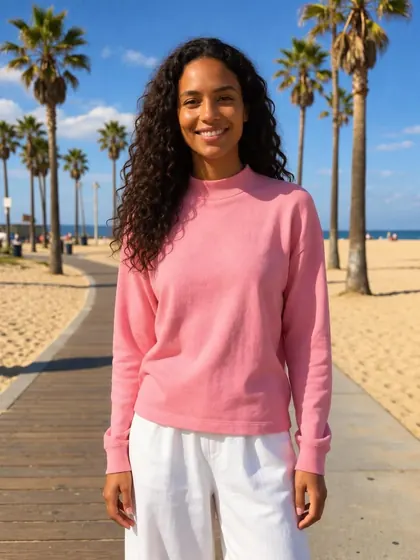
Pick a look, add your photo and tap once. Trending picks, Halloween looks and Aesthetic Photo Filters.
Any model you like
26 models from ten AI labs, with smart defaults when you’d rather not choose. Compare them side by side.
Director
Our AI filmmaker plans a multi-shot video, gets your OK, then makes and assembles every shot.
Templates, one tap away
Pick a look, add your photo, done. New templates are added regularly.
 Trending
 Halloween
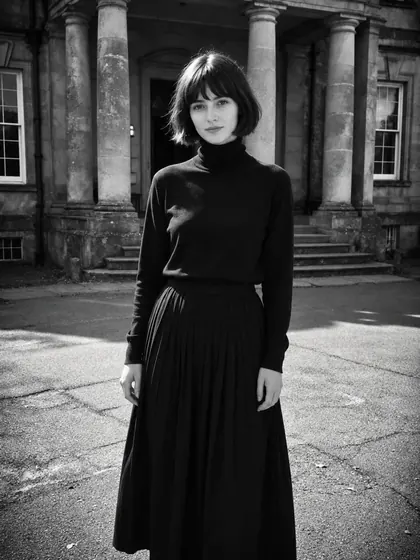
 Aesthetic Photo Filters










26 models. One app.
The newest video and image models from ten AI labs, and Studio 2.0, our own model built for realism.
Video
- Veo 3.1 QualityGoogle
- Gemini Omni 1.1 FlashGoogle
- Kling 4.0Kuaishou
- Seedance 2.5 and 2.0ByteDance
- MiniMax H3 and H3 MaxMiniMax
- Wan 3.0 and HappyHorse 1.1Alibaba
- FLUX 3Black Forest Labs
- Grok ImaginexAI
- Studio 2.0Our own
Images
- Nano Banana Pro and 2.1Google
- GPT Image-2OpenAI
- Imagine 2.0xAI
- MuseMeta
- MAI Image 2.5Microsoft
Sound
- Music StudioFull songs
- VoiceoversNatural voices
Every image model has an edit mode. AI Studio is an independent app and is not affiliated with, endorsed by or an official product of Google, OpenAI, ByteDance, Kuaishou, MiniMax, Alibaba, Black Forest Labs, xAI, Meta or Microsoft. Model names and trademarks belong to their owners.
Five video modes. Every tool you need.
Everything sits on one screen in the app, a tap away.
 Text to VideoWith sound and dialogue
 Image to VideoBring any photo to life
 First + Last FrameSet the start and the end
 Motion ControlCopy the motion of a clip
 Reference to VideoKeep a look across shots
One-tap tools
 DirectorA whole film, planned
 Restore PhotosOld photos, like new
 Try New HairstylesNew cuts and colours
 Upscale ImagesUp to 4x sharper
 Upscale VideosCrisp HD
 Add CaptionsSubtitles in one tap
 Make VoiceoversNatural voices
 Make MusicSongs from your lyrics
 Write on PhotosWords that fit the picture
 Compare ModelsOne prompt, side by side
Made to be trusted
Clear prices, careful checks, and your credits back when something goes wrong.
Built not to fail
Provider down? Your generation reroutes automatically, or the credits come back by themselves.

Safe by design
Every request and result is checked against our content rules. For adults 18 and over.

Faces need consent
A real person’s face is used only with their OK: one selfie for you, a link for anyone else.

Prices up front
The cost depends on the model, length and quality, and you see it before you generate.
Questions? Answers.
The short answers. Anything else, write to us.
What is AI Studio?
An app for iPhone and iPad that makes videos, photos, songs and voiceovers with AI. Start from a template, pick one of 26 models, or let Director, our AI filmmaker, plan and make a multi-shot video for you.
How much does it cost?
AI Studio is free to download. Creating uses credits: the cost depends on the model, the length and the quality, and the app shows it before you generate. You can buy a credit pack or a weekly plan through Apple, and credits stay in your account until you use them.
Can I use it on the web?
Yes. Log in to the web app at app.aistudio.works.
Can I use a photo of a real person?
Only with their consent. Verify your own face with one selfie, or send someone a link so they can confirm it’s them. AI-generated faces need nothing.
What can’t I make?
Every request and result is checked against our content rules: no nudity or sexual content, no hateful content, and nothing that sexualizes or endangers minors. AI Studio is for adults 18 and over. The details are in our Terms of Service and on Age Suitability.
What happens if a generation fails?
If a provider is down, your generation reroutes to another one automatically. If it still fails, times out or is refused by a check, its credits come back to your balance by themselves.
How do I cancel my subscription?
Open iOS Settings › your name › Subscriptions, pick AI Studio and tap Cancel Subscription. Cancel at least 24 hours before the end of the period to stop the next renewal.
How do I get help?
Tap Report a Problem on any result, or email hello@aistudio.works. One address reaches the whole team.